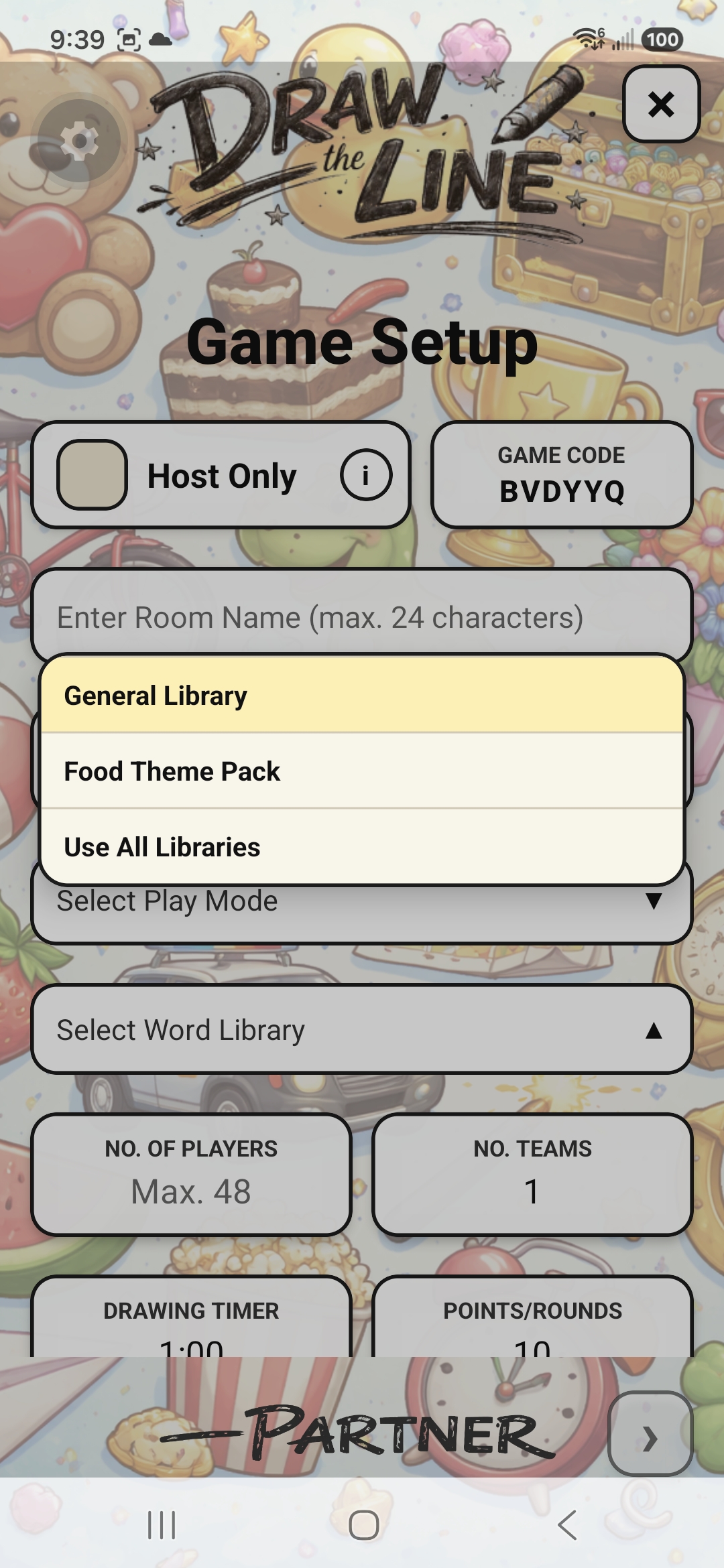
Choose the word library
Use the General Library, a themed pack you own, or combine every available library. The host’s selection supplies the words for the entire game.
 Follow the build
Game Setup
Quick Setup gets a room moving. Advanced Setup lets the host decide how the game will feel before the first line is drawn.
01 · Quick Setup
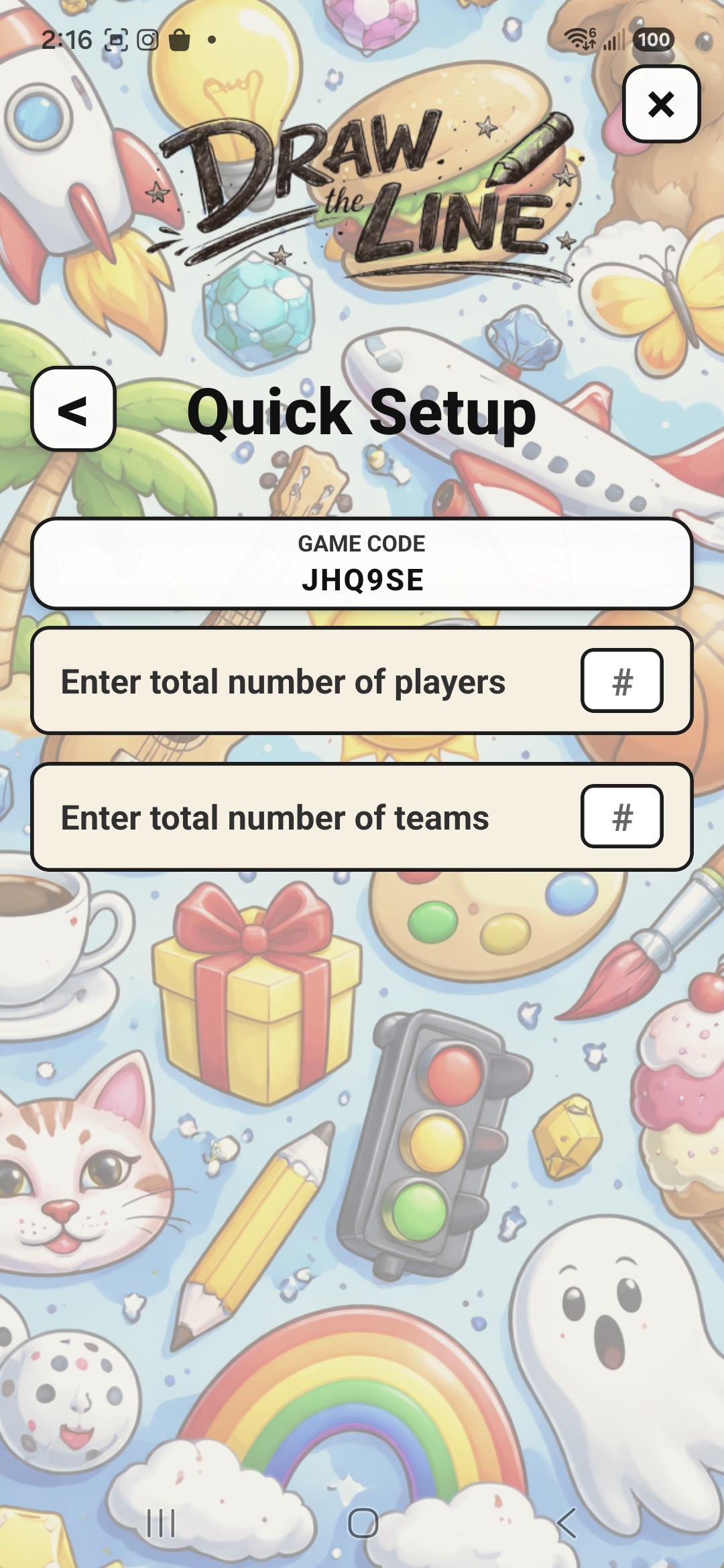
Quick Setup is our firm recommendation for every group’s first game. It lets players learn the interface before the host begins exploring Advanced Setup or additional play modes.
Players enter this code on the opening screen to join the room.
Include everyone who will occupy a player position.
The app randomly assigns players and balances the team sizes as evenly as possible.
02 · Advanced Setup
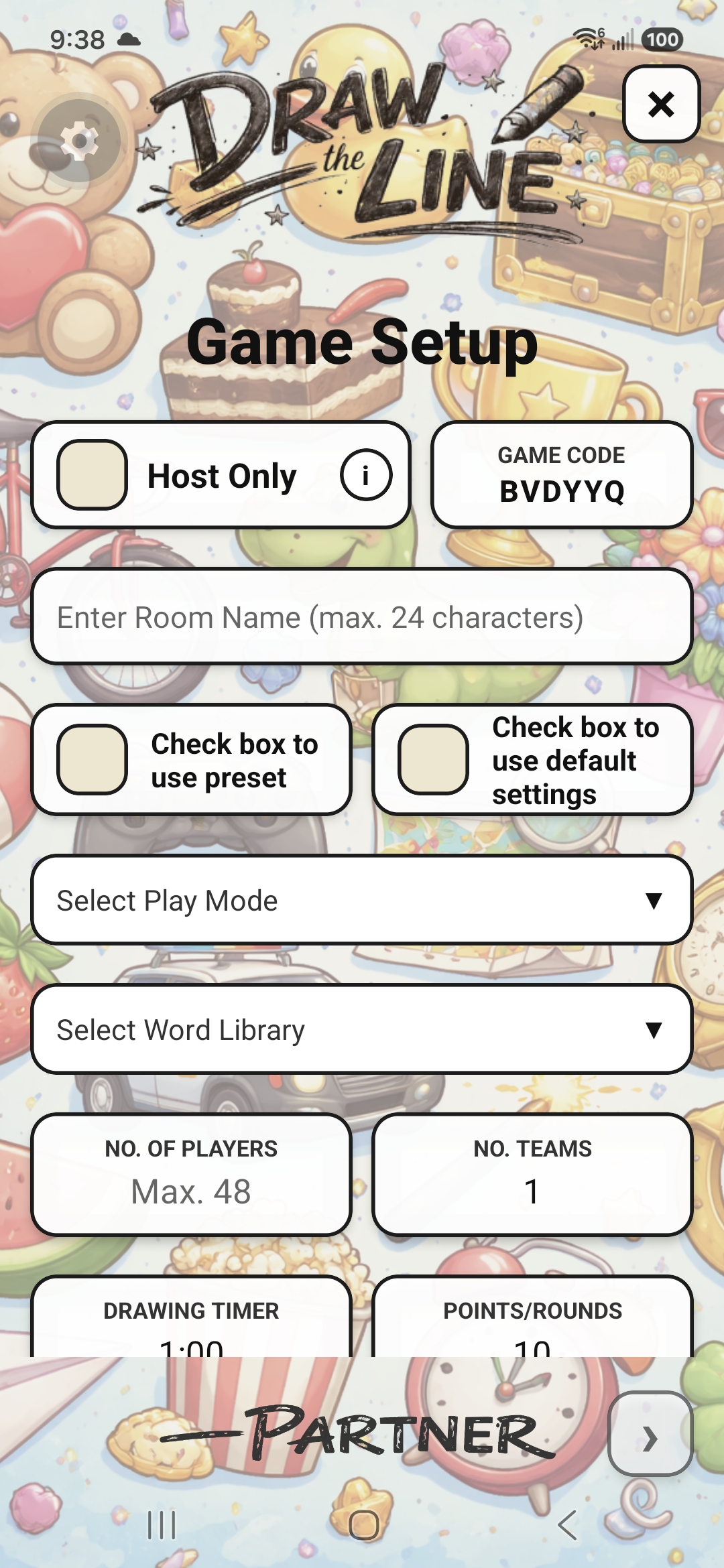
Classic Draw supplies the baseline. From there, the host can name the room, select its library, set player and team counts, choose the timer and game length, define the win condition, build the teams, determine the drawing order, and enable tools.
Hosts can also use default settings or save a favourite configuration as a preset for another night.
The shared controls
Each menu explains itself in the app. These focused views show the decisions that most change how a game unfolds.
Use the General Library, a themed pack you own, or combine every available library. The host’s selection supplies the words for the entire game.
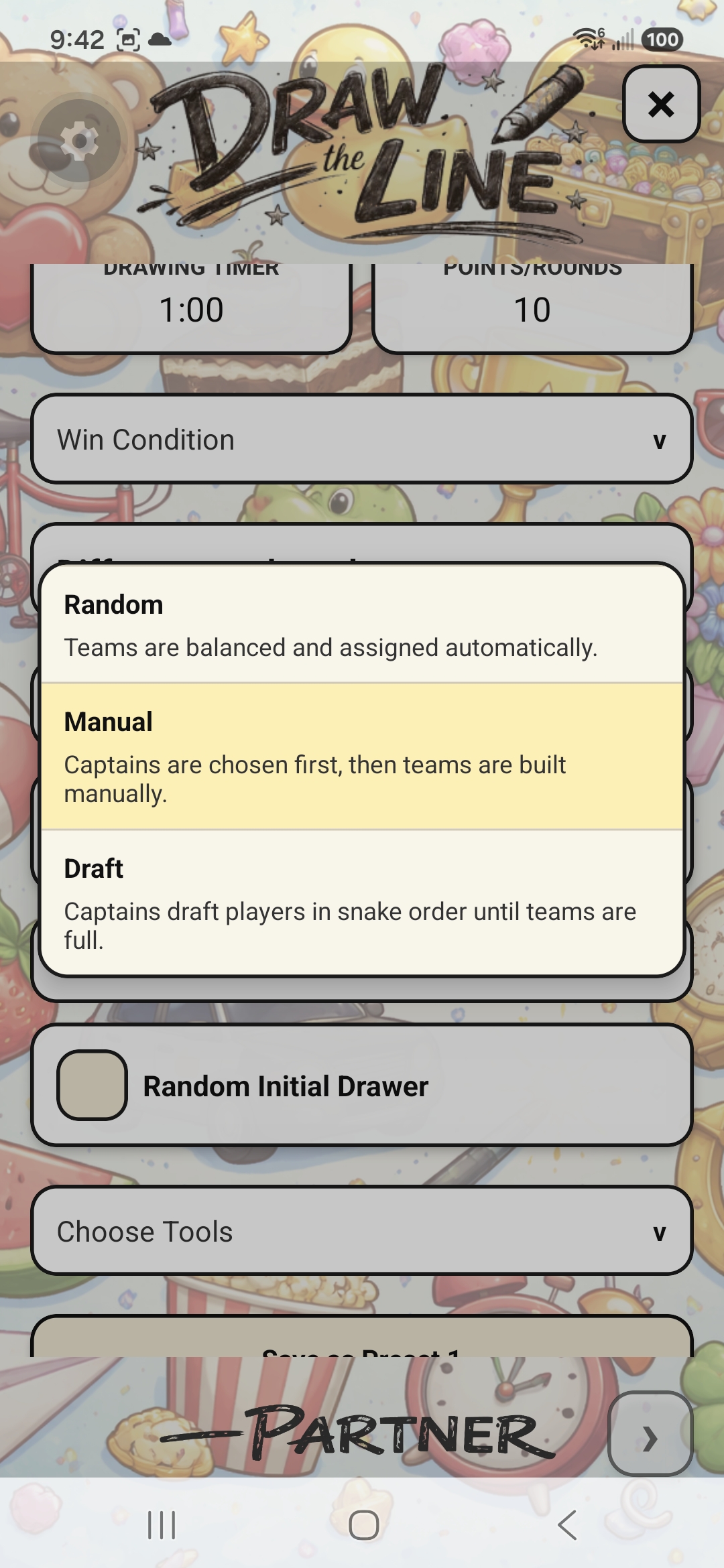
Random balances and assigns teams automatically. Manual lets chosen captains assemble them. Draft uses a snake order until every team is full.
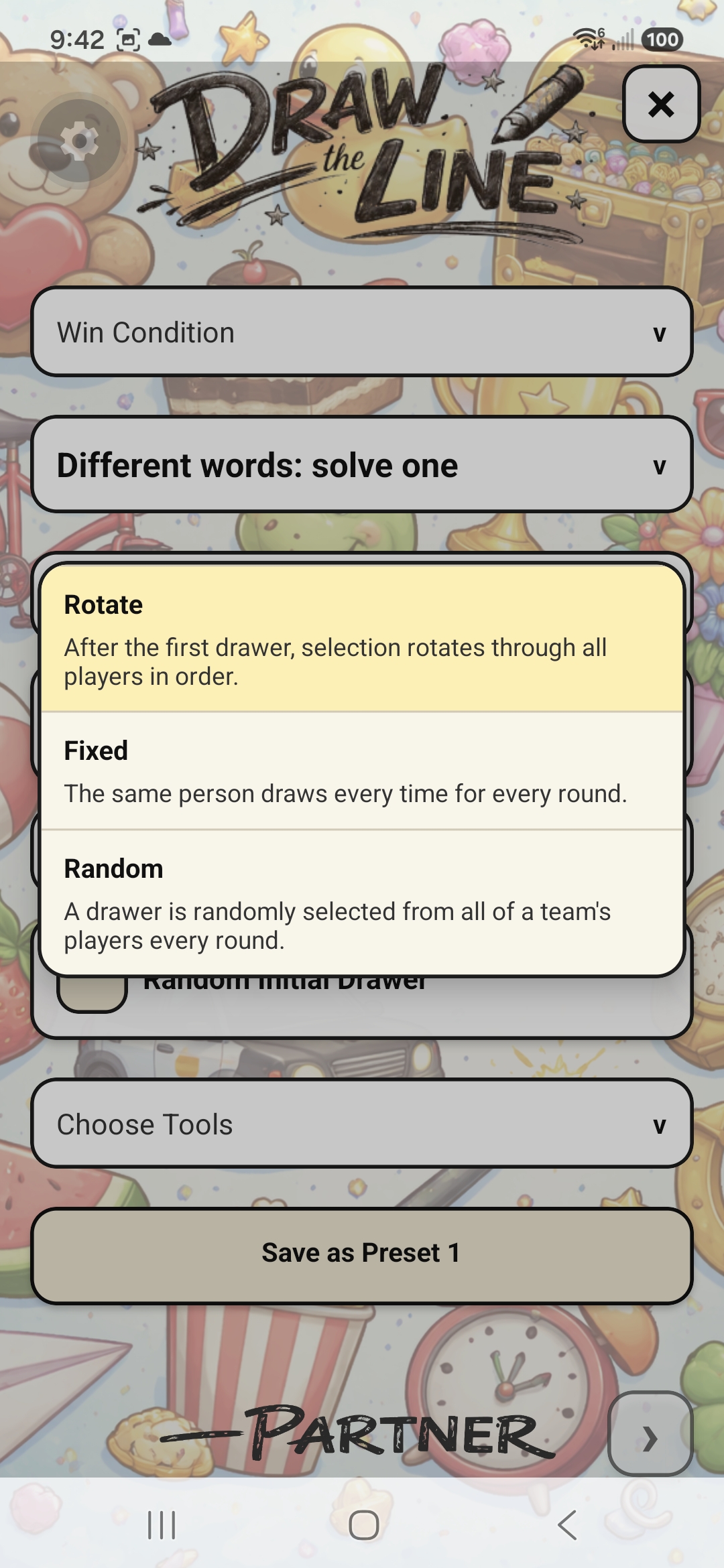
Rotate moves through every player in order. Fixed keeps the same drawer throughout. Random selects a drawer from the team for each round.
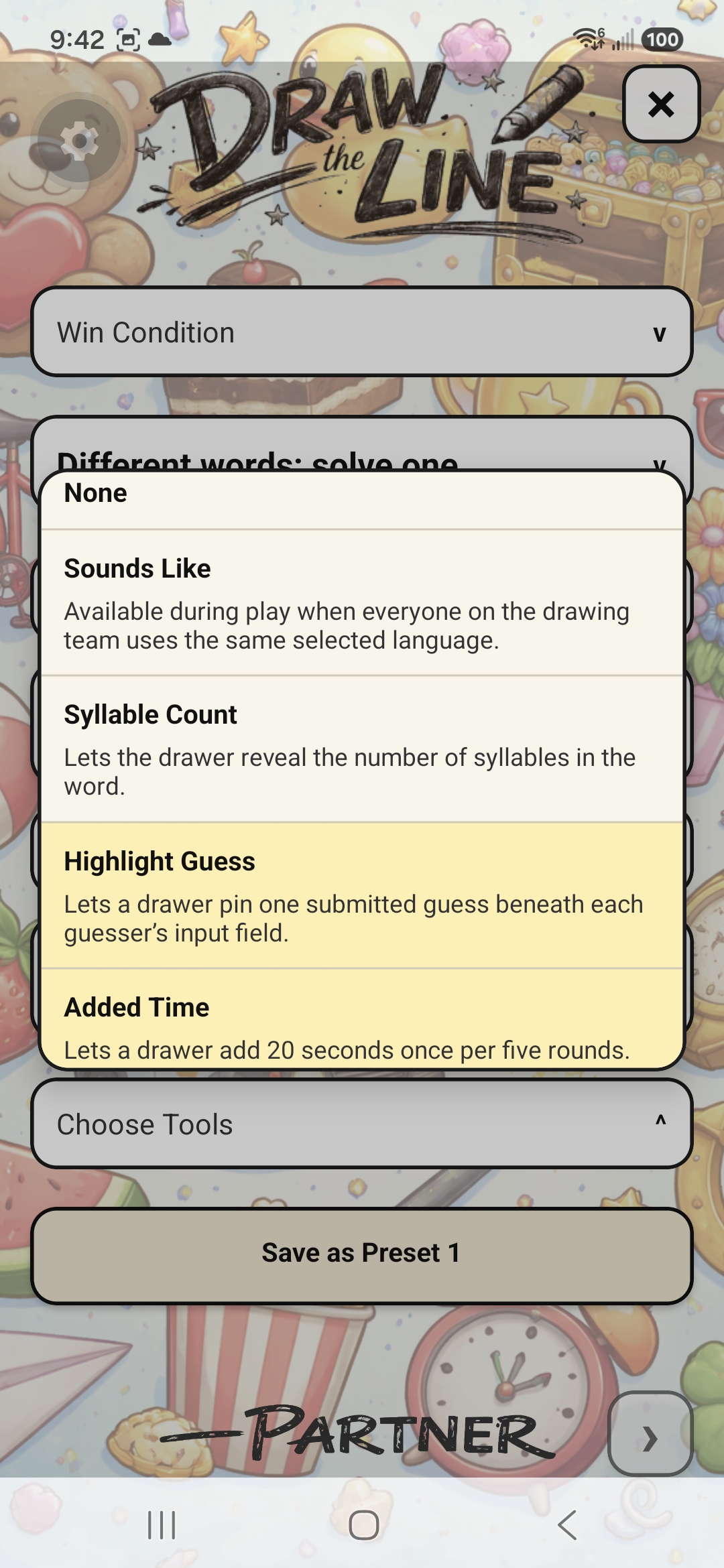
The host decides which optional drawing and guessing aids are available. Tools add ways to communicate without simply handing over the answer.
03 · Fairness by design
For a fixed-round game, Draw the Line creates each team’s complete difficulty schedule before play begins. The intended easy, medium, and hard weighting is balanced over the full run of play, then independently shuffled for every team.
Target Point Total games cannot guarantee an identical final difficulty spread because nobody knows which round will decide the game. Instead, the app builds independently shuffled ten-round difficulty blocks and continues with a new balanced block after every tenth round.
When a team reaches the target, the entire round still finishes. The app reviews the difficulty history of the teams that have already played and does its best to balance the remaining turns before declaring the winner.